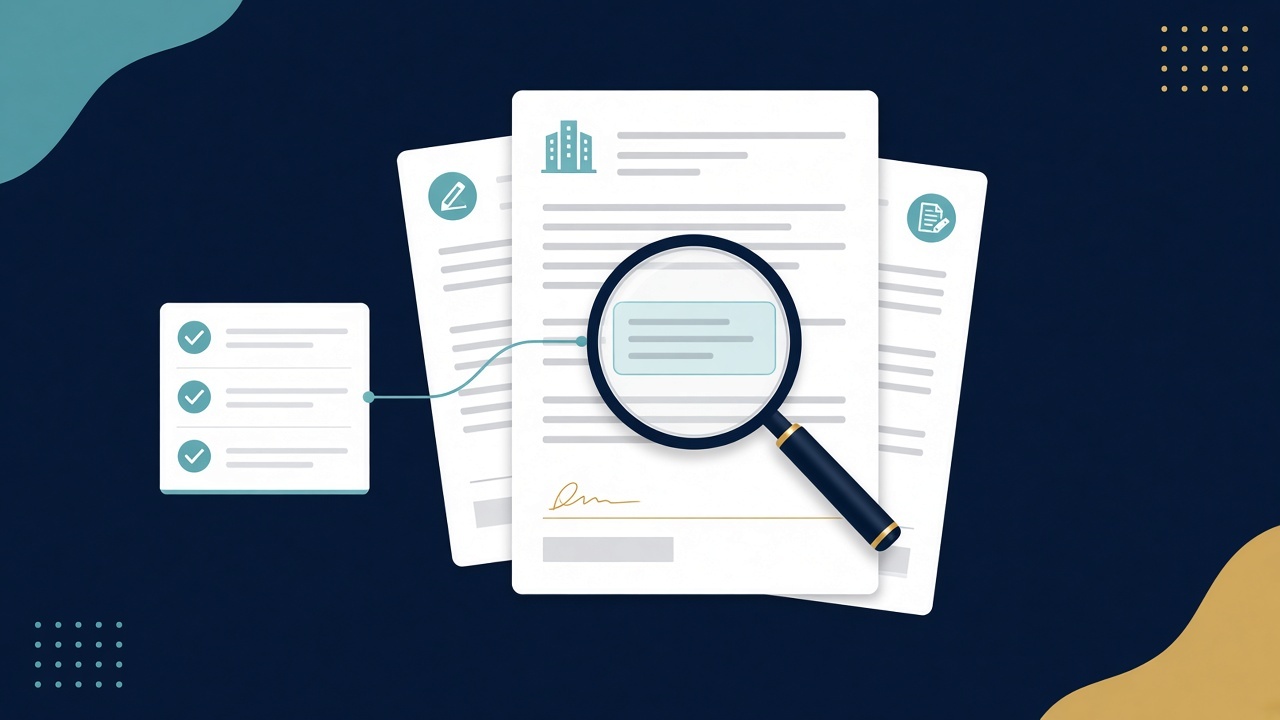
Elysium now auto-organizes documents. You can put even the most disorganized document folders into Elysium as they are, and Elysium will make sense of what's there, reorganize it, and queue it up for data extraction. You don't need a cleanup project first.
The prerequisite that stalled software adoption
Many CRE teams that wanted to adopt software hit the same wall before they got to the software: their documents weren't ready.
For years the advice was the same: get your data house in order first. Standardize folder structures. Rename files. Separate executed leases from drafts, amendments from originals, and recoveries backup from everything else. Only then could a new tool do its job.
In practice, that prerequisite is where a lot of projects stopped. Cleanup is slow. It pulls analysts and asset managers away from their actual work, and it rarely has a clear owner. Files pile up through acquisitions, dispositions, property manager transitions and years of email attachments saved into whichever folder was open at the time. By the time a team decides to structure its data, the backlog is big enough that nobody wants to start.
So the documents that hold the most important information in a portfolio, such as leases, amendments and CAM reconciliations, stay unstructured. The questions that depend on them keep getting answered by hand.
What auto-organize does
Auto-organize removes the cleanup step. You don't prepare folders before bringing them into Elysium. You bring them in as they are.
Elysium organizes your documents inside Elysium. Your originals in Google Drive, Dropbox, SharePoint, Box or wherever they live stay exactly where they are, with the same names and folders.
By default Elysium groups documents by tenant, or by property if that suits your team better. It spots duplicate files and reads scanned PDFs. Where it's useful, it also splits the extracted data out by suite and subtenant. Then it queues everything up so Elysium can pull the key terms from your leases and CAM/recoveries files.
If you'd rather have your own document system reorganized as well, we can do that too.
That means the folder everyone has been avoiding because it's too messy can be the first one you bring in.
Why this matters
Before, teams had two options. They could spend weeks or months cleaning up folders before seeing any value, or keep answering lease questions by hand from unstructured files. Now you can start with the documents you have, and Elysium does the organizing as part of bringing them in. Ellis Realty Advisors went from a pile of condo documents, financial statements and bids to a live workspace answering buyer questions (case study).
For teams that put off adopting software because of the state of their documents, that reason no longer applies. For teams already using Elysium, it means the folders you left out because they weren't organized can come in too.
Where to start
Pick the folder you've been avoiding. It might be a shared drive inherited from an acquisition, the legacy files for a single property, or recoveries backup nobody has had time to sort.
Bring it into Elysium, either by uploading directly or through the document repositories we already connect to, including Google Drive, Dropbox, SharePoint and Box. Elysium will organize it and queue it for extraction, and you'll see the output against your own documents instead of a sample.
See it on your own documents
The simplest way to judge this is to try it on a folder you know well. If you have one in mind, email me at joe@elysium-cre.com or book time with me here and I'll walk through it with you.
Common questions
Does auto-organize move or rename files in my Google Drive, Dropbox, SharePoint or Box?
No. Elysium organizes documents inside Elysium and leaves your originals where they are, with the same names and folders. If you want your own folders reorganized as well, we can do that too.
How does Elysium sort the documents?
By tenant by default. Teams that prefer to work by property can have documents grouped by property instead.
What happens to duplicate files?
Elysium spots duplicate files as it organizes a folder, so the same lease or amendment isn't counted twice.
Can it handle scanned PDFs?
Yes. Elysium reads scanned PDFs as well as native digital files.
How do you classify and organize leases, amendments, and estoppels in an acquisition data room?
Upload the raw data room folder or connect it from Google Drive, Dropbox, SharePoint or Box. Elysium reads each file, separates executed leases, amendments, estoppels, rent rolls, loan documents, vendor contracts and CAM backup, groups them by tenant or by property, flags duplicates, and queues the documents for extraction. Your original data room folders stay untouched unless you ask us to reorganize them too.
How can asset managers organize thousands of property documents in SharePoint without a manual cleanup project?
Connect your existing SharePoint folders directly to Elysium, leaving your original SharePoint folders and file names untouched unless you ask us to reorganize them too. Instead of spending weeks renaming files and rebuilding folder trees in SharePoint, Elysium indexes and groups the documents inside your Elysium workspace by tenant or property so your team can search across the portfolio and pull lease terms right away.
Which document types can Elysium organize and extract in a due diligence data room?
Elysium handles commercial and multifamily leases, amendments, estoppels, rent rolls, commercial loan documents, vendor agreements, partnership and operating agreements, and CAM or operating-expense backup, across native PDFs, Word files and scanned images.
Joe Leach
Founder & CEO
Elysium
www.elysium-cre.com